
Google Play · Live

SipHours
Alright Tech LLC
Water tracker with cute collectibles · Health & Fitness
Get it onGoogle PlayComing soonApp Store
https://play.google.com/store/apps/details?id=com.sipphours.sipphours
SipHours
Install SipHours—the hourly hydration tracker from Alright Tech LLC—on Google Play for Android phones and tablets (package com.sipphours.sipphours). SipHours is completely free at $0 with no in-app purchases; SipHours for iOS is coming soon.
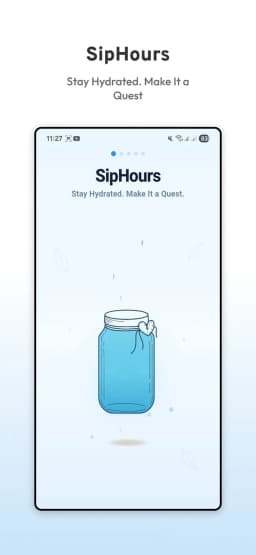
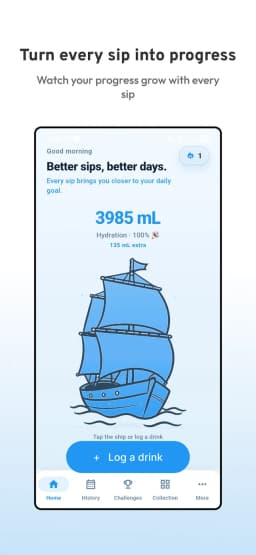
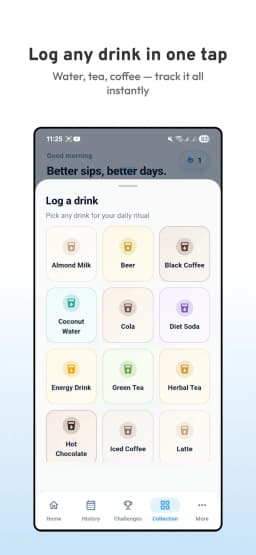
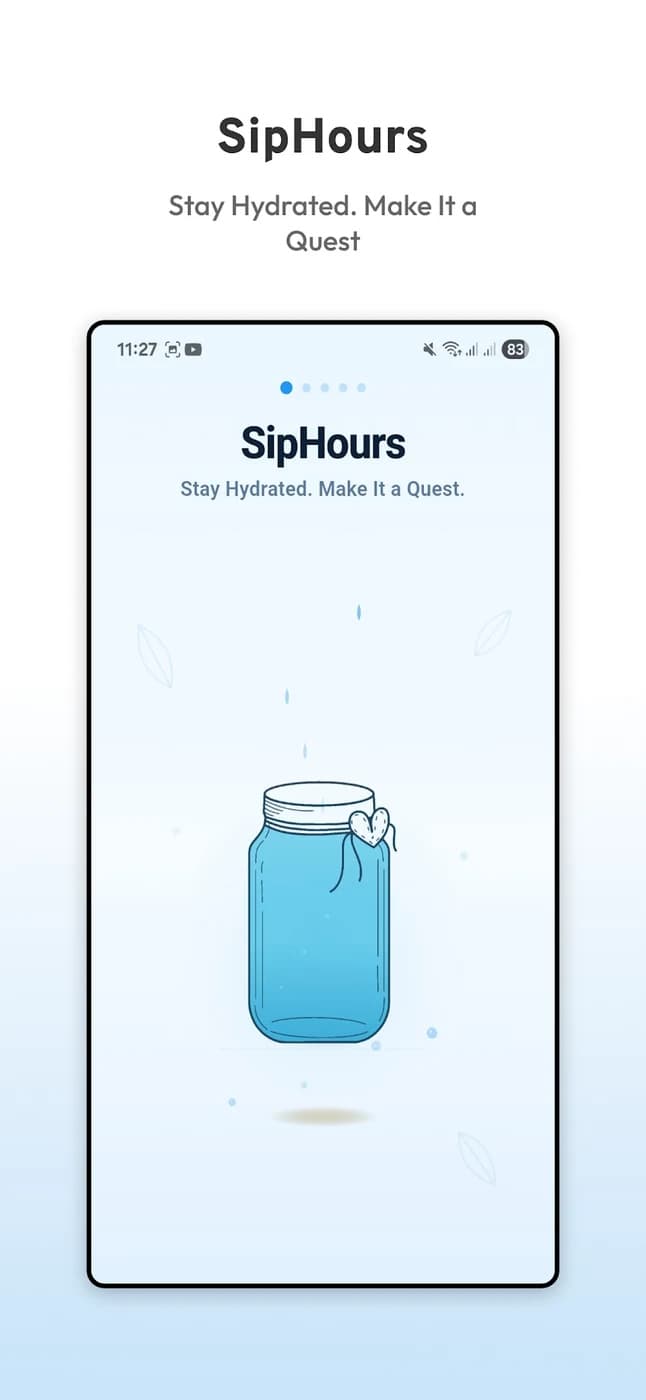
Icon and screenshots below match the live Google Play page for package com.sipphours.sipphours. The App Store card previews the same SipHours brand until iOS launches.
Google Play · Live
Alright Tech LLC
Water tracker with cute collectibles · Health & Fitness
https://play.google.com/store/apps/details?id=com.sipphours.sipphours
App Store · Coming soon
Alright Tech LLC
Same SipHours experience for iPhone — listing launches soon.
iOS preview
SipHours iOS will use the same app icon and hydration screens. Screenshots below are from the live Android Google Play listing until the App Store page ships.
SipHours Android support follows the devices Google Play marks as compatible for package com.sipphours.sipphours. Check that panel on your phone or tablet before installing SipHours. SipHours iOS requirements will be listed here when the App Store page goes live.
| Platform | Status | Notes |
|---|---|---|
| Android phone (Google Play) | Live | Package com.sipphours.sipphours; 100% free ($0) |
| Android tablet (Google Play) | Live | Same SipHours build; check Play compatibility |
| iOS (App Store) | Coming soon | Same SipHours icon; badge enabled at launch |
High-quality SipHours phone and tablet screenshots sourced from Google Play—scroll three across on desktop to preview the Android app and the upcoming iOS experience.
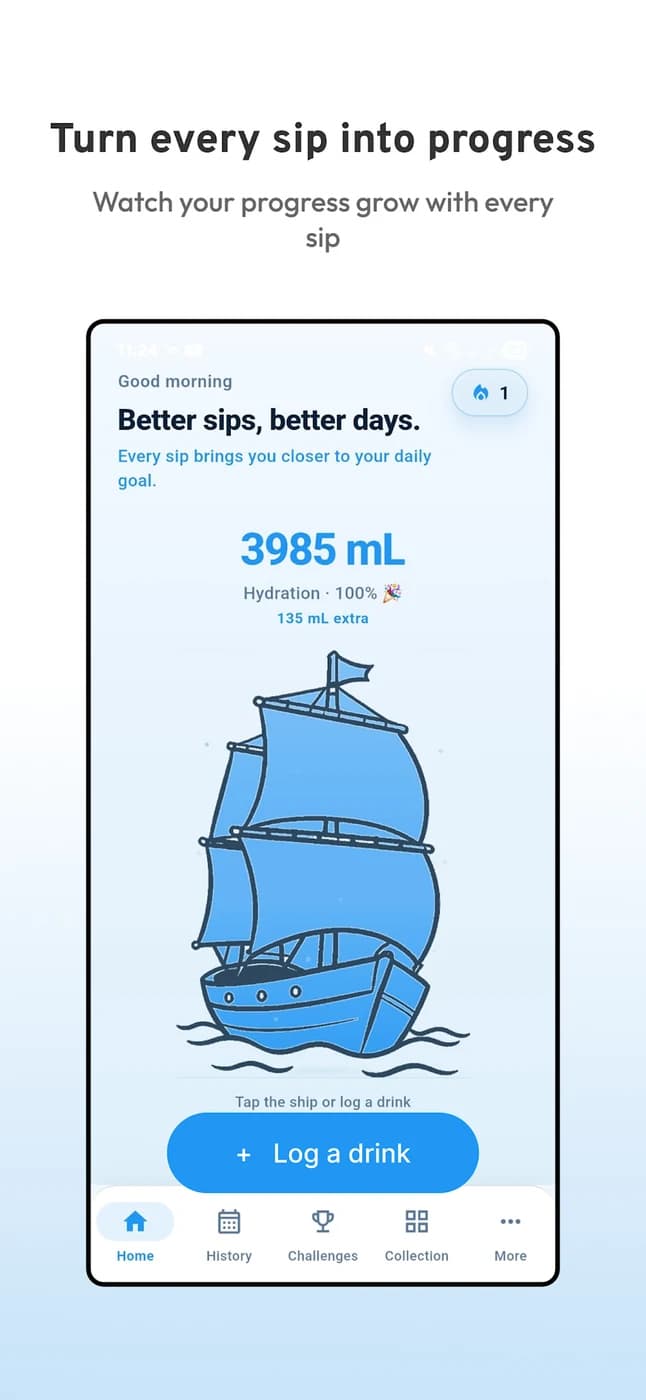
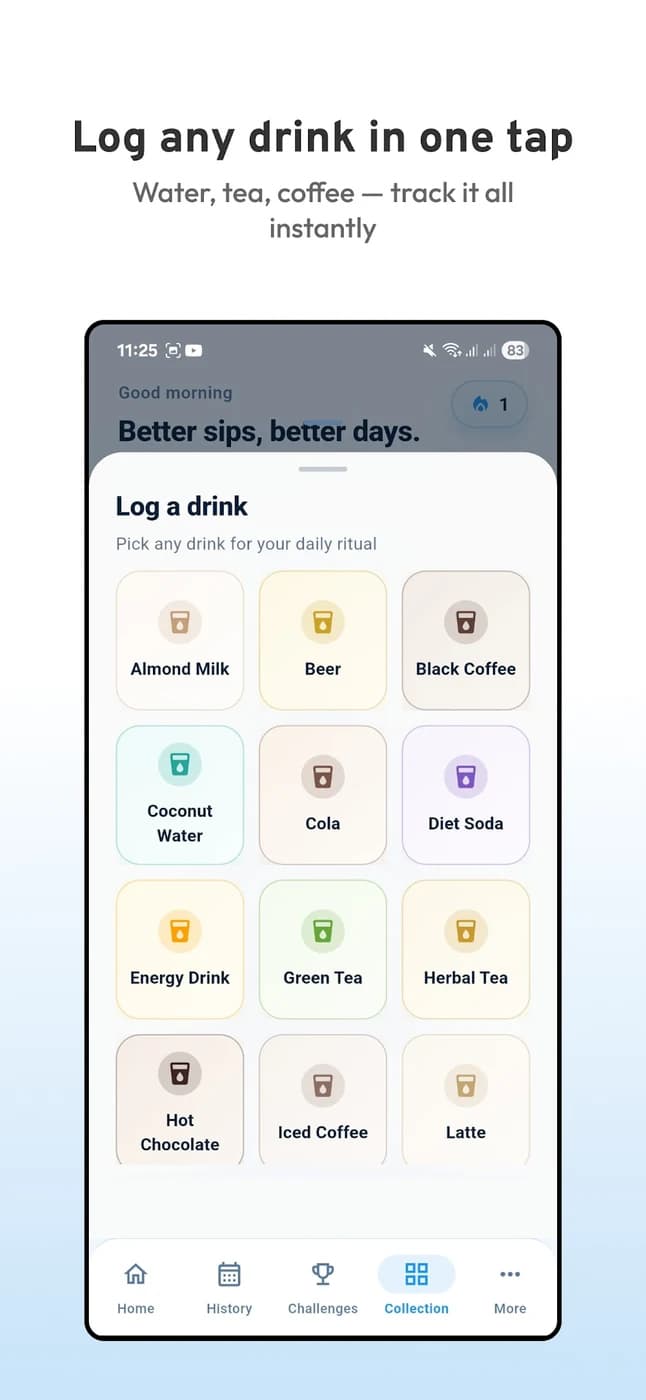
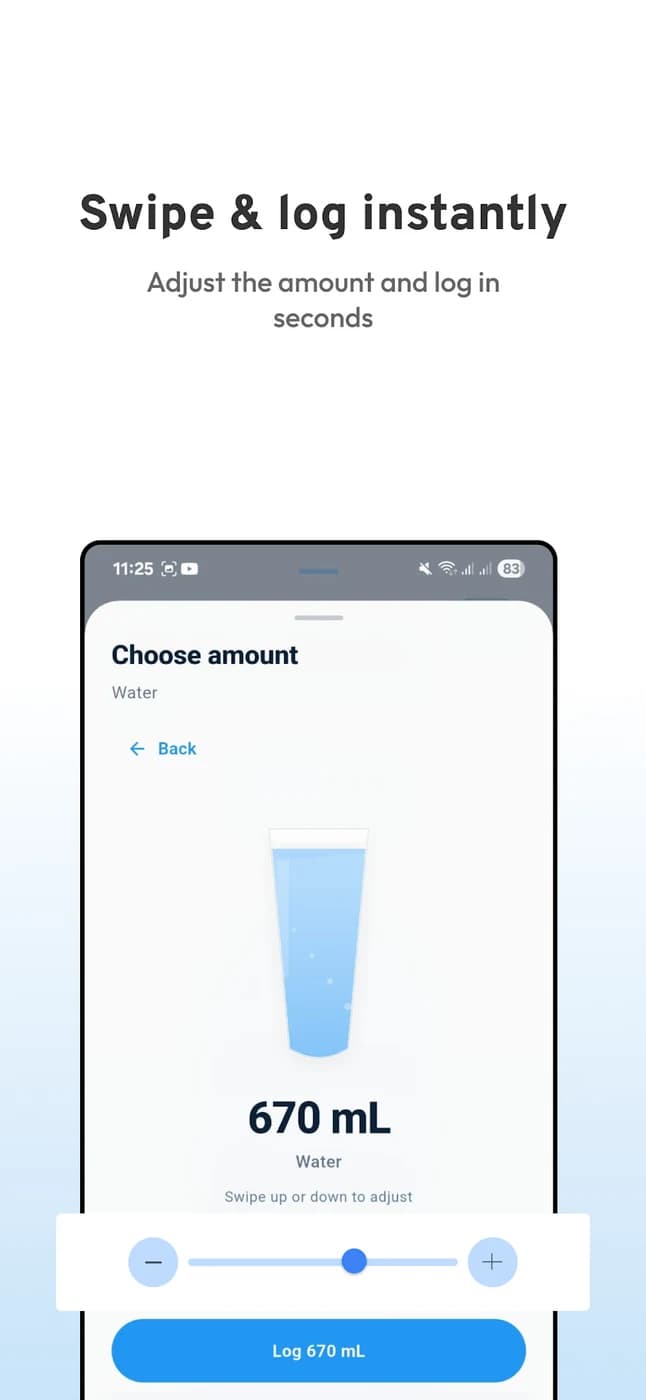
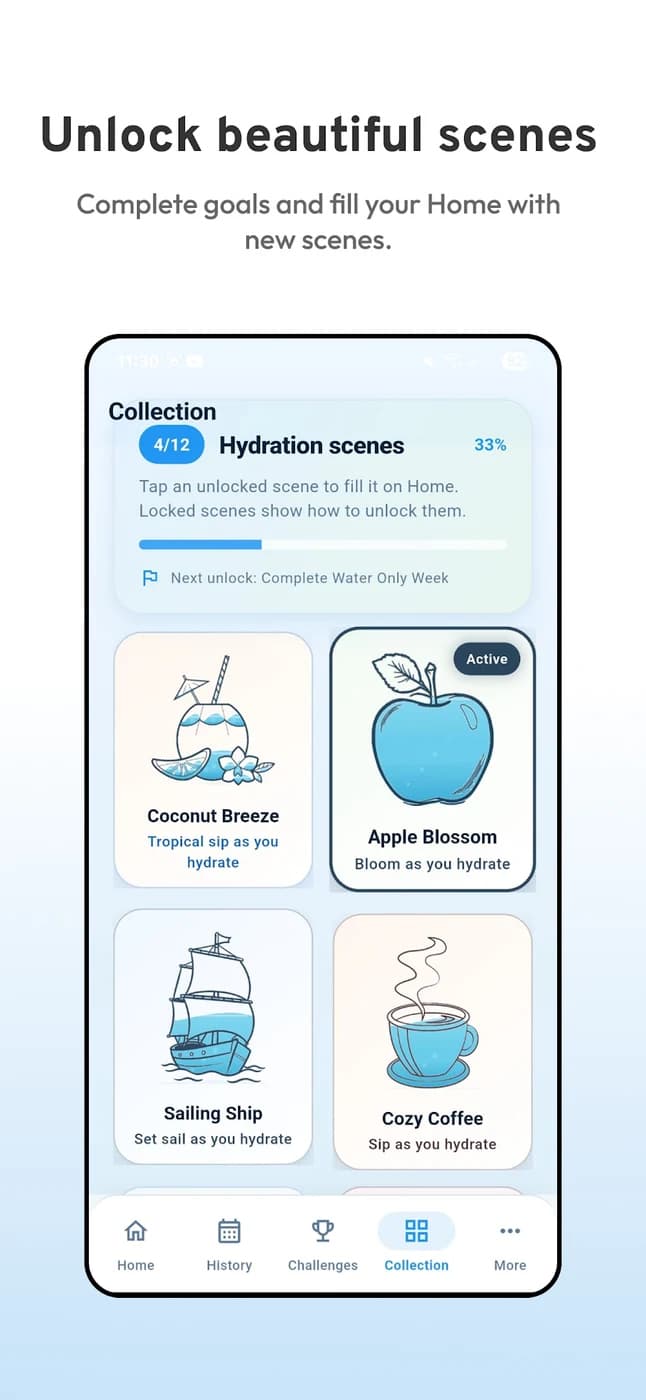
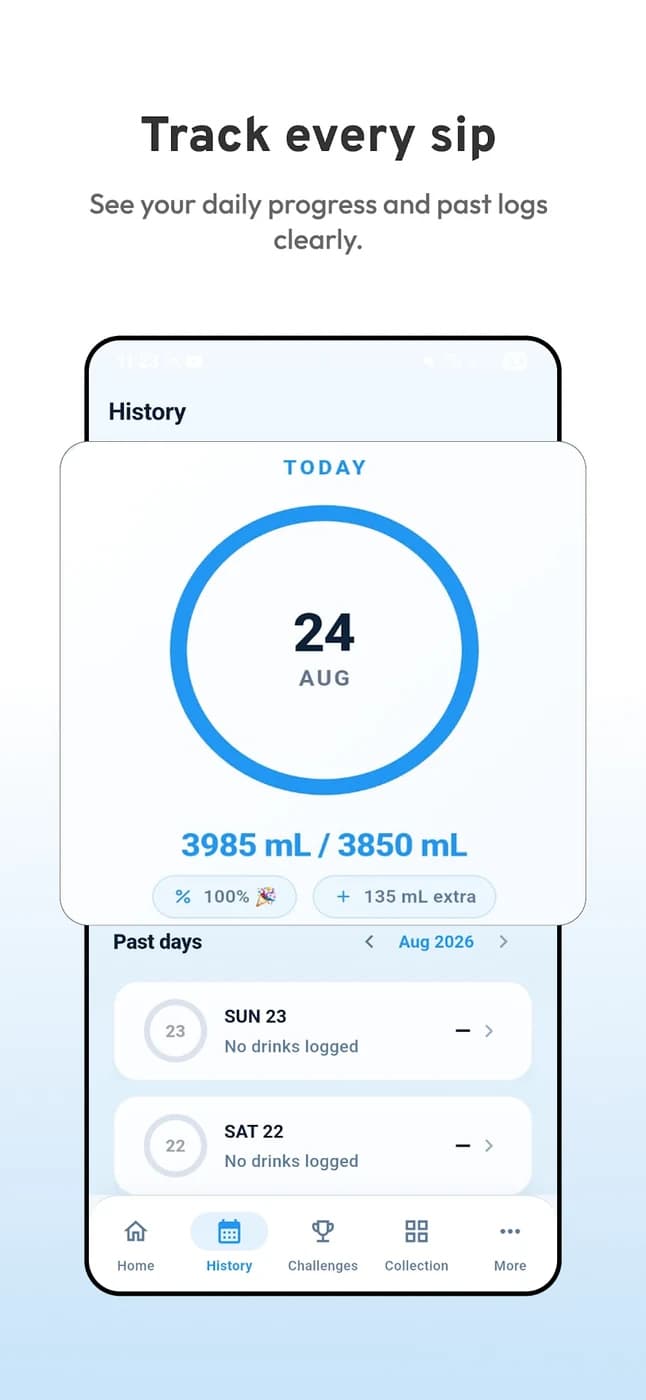
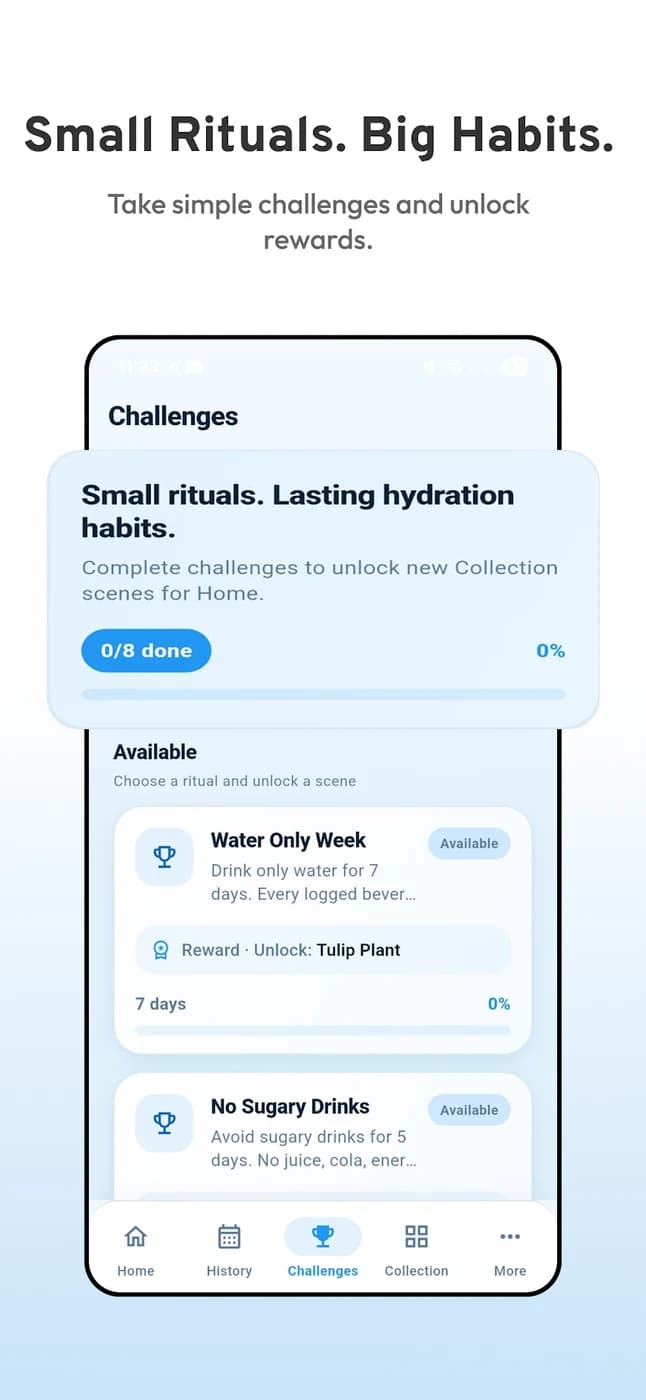
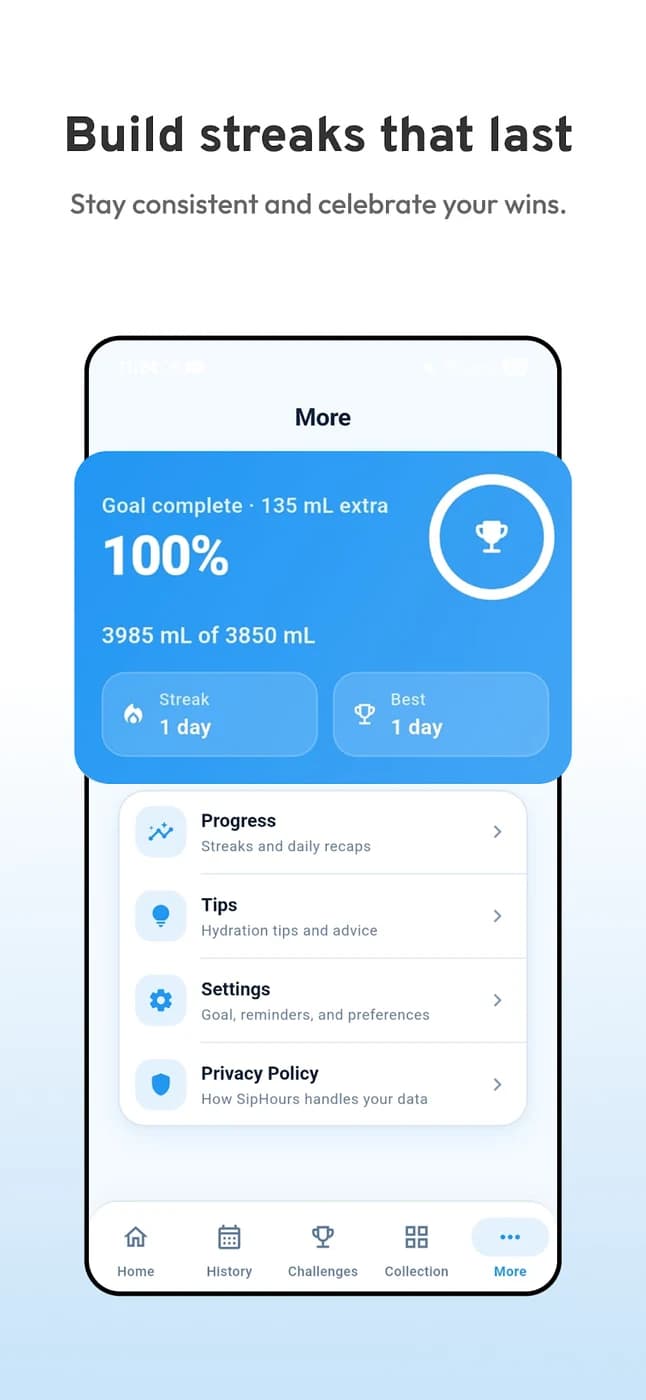
SipHours answers the questions people ask before installing from Google Play. Each answer below is written for search and AI crawlers in plain HTML—no hidden tabs.
Open the SipHours Google Play listing, tap Install, and launch SipHours after download. Package id is com.sipphours.sipphours. Set wake time, sleep time, and a daily water goal on first run—SipHours is free with no purchase required.
SipHours for iOS is coming soon. Join updates via the SipHours contact form or watch the website download page for the App Store link when SipHours ships on iOS.
SipHours targets modern Android devices listed as compatible on the Google Play page for package com.sipphours.sipphours. Check that panel on your phone or tablet before installing SipHours.
Yes. After you install SipHours from Google Play, SipHours logs drinks and shows goal progress offline. You do not need an active internet connection or cloud login to track hydration in SipHours day to day.