
By SipHours Editorial · Published 2026-02-17 · Updated 2026-03-18 · 8 min read
A water intake chart turns liter advice into cups, bottles, and finishable daily goals. SipHours Editorial publishes charts so you can pick a target near common drink-focused ranges—~2.7 L for many men and ~2.1 L for many women—while remembering National Academies-style total water cited by Mayo Clinic near ~3.7 L / ~2.7 L including food. CDC guidance still emphasizes healthier drink choices as you follow the chart. SipHours then becomes the live chart: remaining ml/oz, percent complete, and hourly waking-hour reminders. Individual needs vary; clinicians come first. SipHours is $0 forever with no in-app purchases on Android; iOS is coming soon.
What a water intake chart is for
BLUF: A water intake chart maps daily volume targets to practical cup counts so you know how many logs finish the day. SipHours uses the same numbers as a daily goal and progress display. Charts do not replace medical advice; charts make healthy-adult averages usable.
Without a chart, people oscillate between “eight glasses” and “a gallon.” SipHours Editorial prefers explicit milliliters and ounces tied to the daily water intake pillar. Once you choose a row, enter it in SipHours and track with the water intake tracker workflow.
Daily water intake chart (drink-focused starting points)
BLUF: Use the table below as a planning chart for SipHours goals, not as a diagnosis. Rows near 2.1 L and 2.7 L match common practical drink targets; higher rows reflect heat, training, or larger bodies. Food moisture still counts toward National Academies–style totals even when SipHours logs focus on drinks.
| Daily drink target | Milliliters | Fluid ounces | 250 ml cups | 12 oz cups | Typical SipHours use |
|---|---|---|---|---|---|
| Light starting goal | 1,800 | ~61 | ~7 | ~5 | Short days / clinician-lowered plans |
| Common women-focused start | 2,100 | ~71 | ~8–9 | ~6 | Default SipHours goal candidate |
| Mid shared target | 2,500 | ~85 | 10 | ~7 | Balanced desk + light activity |
| Common men-focused start | 2,700 | ~91 | ~11 | ~7–8 | Default SipHours goal candidate |
| Hot or training day | 3,200 | ~108 | ~13 | ~9 | Temporary SipHours bump |
| Context only: National Academies total water (men / women) | ~3,700 / ~2,700 | ~125 / ~91 | Includes food moisture | Includes food moisture | Do not chug drinks to “match” blindly |
Cup-conversion chart for faster SipHours logging
BLUF: Measure your real bottle once, then map it to SipHours presets so the chart becomes taps instead of mental math. Consistency beats perfection—SipHours history prefers honest repeated cup sizes. Custom amounts cover odd bottles the chart does not list.
- 150 ml / ~5 oz: Small SipHours preset for tea cups or medicine cups of water.
- 250 ml / ~8 oz: Classic “glass” size—eight to eleven taps cover many chart rows.
- 350 ml / ~12 oz: Large mug; fewer SipHours logs to finish ~2.1–2.7 L.
- 500 ml / ~17 oz: Half-liter bottle—log as custom or two 250 ml taps in SipHours.
- 750 ml / ~25 oz: Gym bottle—one SipHours custom log keeps the chart honest.
How to read the chart hour by hour
BLUF: Divide your SipHours goal by the number of waking hours, then treat each hourly reminder as a chance to cover that slice. You do not need perfect even pacing—SipHours only needs the day total. Front-loading mornings is fine if afternoons stay intentional.
Example: a 2,500 ml SipHours goal across a 16-hour waking window averages roughly 156 ml per hour. That might mean skipping a busy hour and logging 300 ml on the next SipHours prompt. The chart’s job is the daily row; SipHours reminders protect the pacing.
From static chart to live SipHours progress
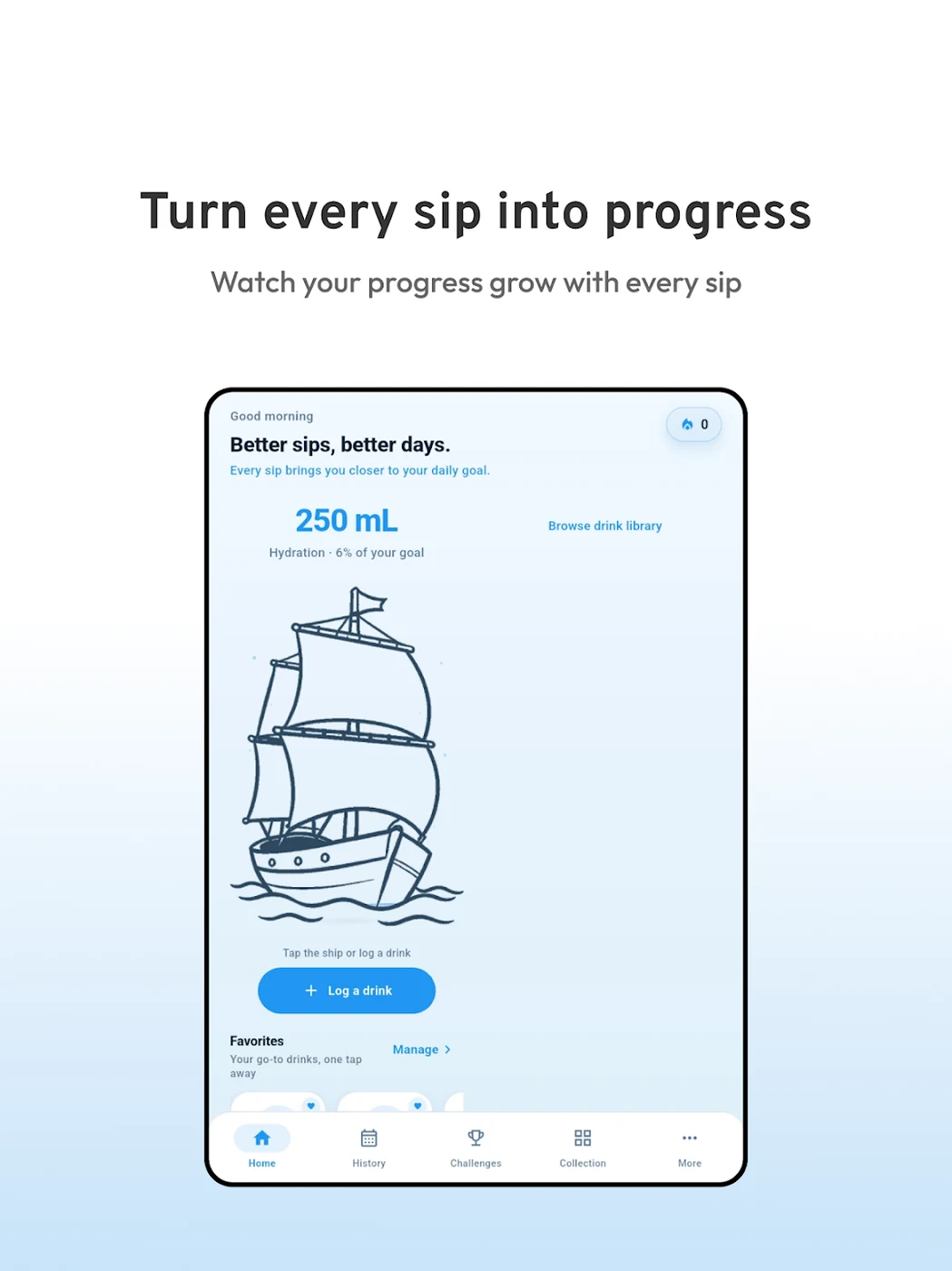
BLUF: Paper charts go stale; SipHours progress updates after every sip. Set the chart row as your SipHours daily goal in ml or oz, enable waking-hour reminders, and watch remaining volume fall. Review SipHours history to see whether you should move up or down a chart row next week.
- Pick a row from the daily chart informed by the calculator guide.
- Enter SipHours daily goal in matching units.
- Confirm waking hours so SipHours reminders never hit overnight.
- Log with chart-matched cups for clean analytics.
- Compare weeks using SipHours history—and the tracker article at track water intake.
Product overview links live on SipHours Features if you want the full Android feature list beyond goals and charts.
Weekly water intake chart mindset
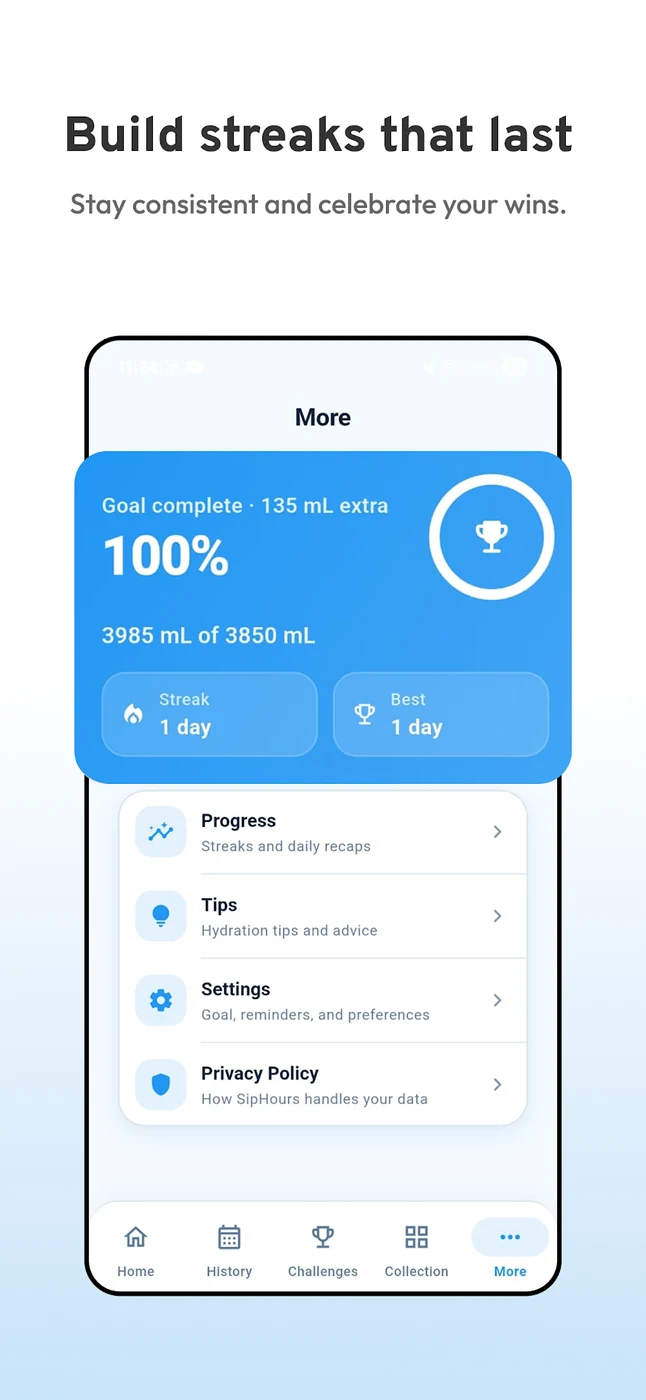
BLUF: One perfect day matters less than a weekly average that matches your life. SipHours Editorial recommends judging SipHours totals across seven days before jumping two chart rows higher. Travel, illness, and heat waves are expected variance—not moral failures.
- Green week: Hit or nearly hit the SipHours goal five or more days.
- Yellow week: Three to four finishes—tighten afternoon SipHours reminder follow-through.
- Red week: Zero to two finishes—lower the chart row temporarily so SipHours wins become possible again.
- Medical week: Follow clinician fluid rules even if they sit outside this blog chart.
Chart myths that confuse daily goals
BLUF: “Everyone needs a gallon,” “coffee does not count,” and “urine must be water-clear” are oversimplified. SipHours charts stay grounded in National Academies / Mayo Clinic context, CDC healthier-drink emphasis, and individual variation. Pale straw urine is a common lay check, not a SipHours medical feature.
Gallons (~3.8 L of drinks) can exceed what many healthy adults need from beverages alone and may be inappropriate under fluid restrictions. SipHours will happily accept a gallon goal if you type it—but SipHours Editorial does not recommend racing social media extremes. Food moisture still contributes; clinicians still come first.
Using SipHours as your chart, reminder, and logger
BLUF: SipHours replaces three separate tools: the printed water intake chart, the phone timer, and the notebook. Daily ml/oz goals are the chart; waking-hour hourly prompts are the schedule; sip logs are the evidence. All of that stays free—$0 forever, no in-app purchases—on Android Google Play, with iOS coming soon.
When you change chart rows, edit the SipHours goal the same day so reminders still match remaining volume. If your sleep schedule shifts, edit SipHours waking hours without wiping history. That flexibility is why SipHours charts stay useful in real weeks instead of perfect laboratory days.
Try SipHours: Put the chart on your phone with a free daily water goal and waking-hour reminders—Download SipHours free on Google Play. $0 forever, no in-app purchases. Android live; iOS coming soon.
FAQ
What should my water intake chart target be each day?
BLUF: Many healthy adults start near ~2.1 L (women) or ~2.7 L (men) of drinks, while National Academies–style total water near ~2.7 L / ~3.7 L includes food moisture per Mayo Clinic summaries. SipHours stores whichever row you choose as a daily ml/oz goal. Ask a clinician before high or restricted targets.
How do I convert a chart row into SipHours cups?
BLUF: Divide the milliliter goal by your cup size. A 2,500 ml SipHours goal with 250 ml cups is about ten logs. SipHours presets and custom amounts make that conversion automatic once you measure your real glass.
Should my water intake chart include coffee and tea?
BLUF: Total-water guidance counts many fluids and food moisture; SipHours can log custom amounts if you want tea to count toward the chart. For habit building, logging plain water in SipHours keeps the chart simple. Follow clinician advice if you have caffeine or fluid restrictions.
Why does SipHours use waking-hour reminders with a daily chart?
BLUF: A daily chart without pacing often becomes late-night chugging. SipHours schedules hourly reminders only while you are awake so chart progress spreads across the day. That protects sleep and makes large SipHours goals finishable.
Is SipHours free if I only need a digital water intake chart?
BLUF: Yes. SipHours is $0 forever with no in-app purchases. Daily goals, progress, reminders, logging, and history are included on Android today; iOS is coming soon. Start from SipHours Features or the download page.